Back to Blog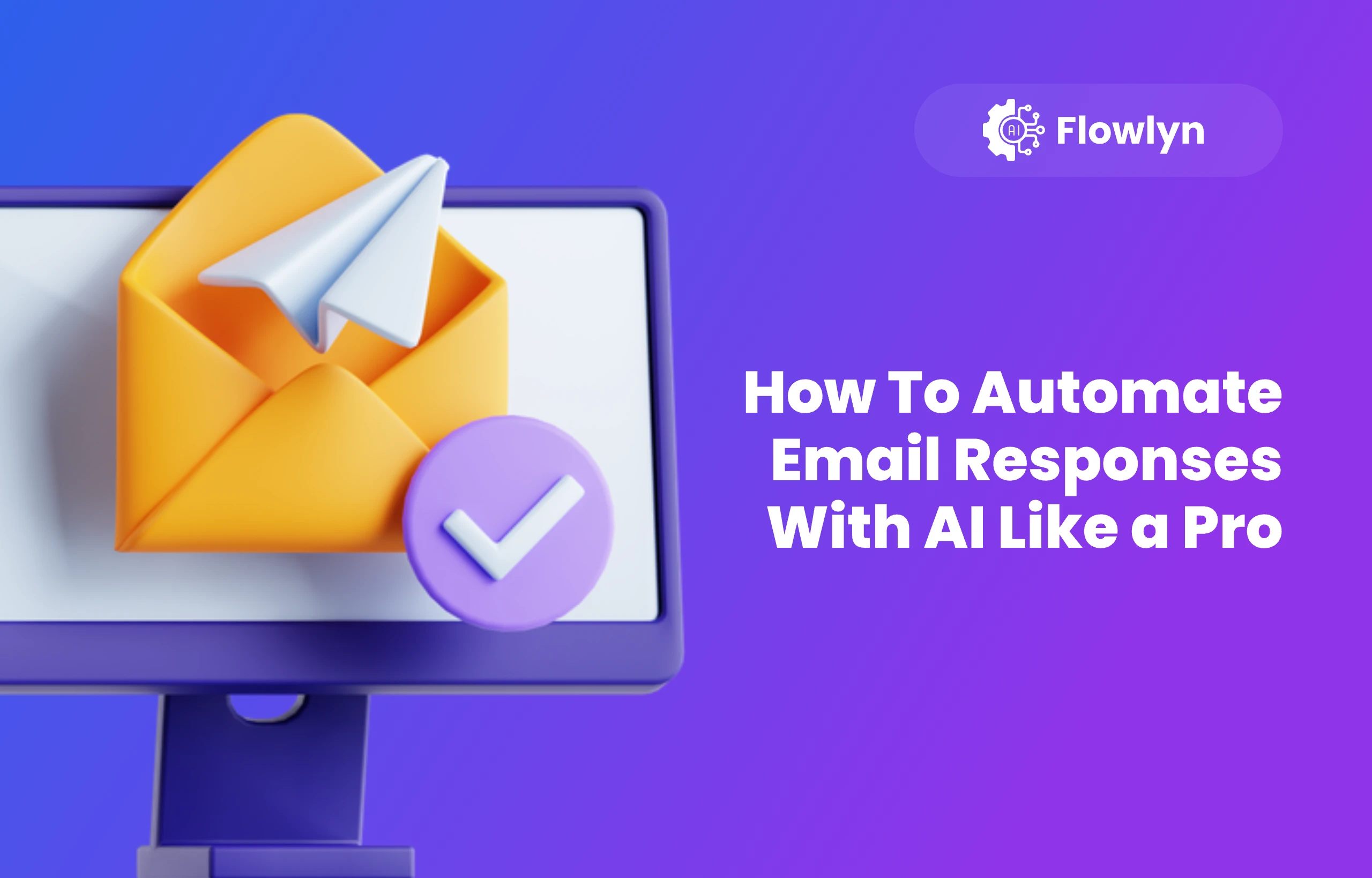
Best Practices
How To Automate Email Responses With AI Like a Pro
Learn how to automate email responses with AI, save time, and streamline communication using smart workflow tools.
November 7, 2025
6 min read

Too many emails? You're not the only one. AI email automation can help by letting an intelligent assistant handle simple, repetitive replies.
This guide gives you a practical look at using AI to automate email responses, covering the best tools, methods, and ideas to save you time and stress.
The Unassailable Case: Why Automate Your Email Responses?
Before meticulously detailing the how, it is crucial to fully appreciate the profound why. Integrating AI into your reply process offers substantial benefits beyond saving time:
- Sustained Responsiveness Without the Stress: Instantly acknowledge messages so contacts feel addressed, even during deep work, maintaining high communication standards effortlessly.
- Establish and Maintain a Consistent Brand Voice: Customise AI tools to ensure every automated communication consistently reflects your desired professional or personal brand voice, eliminating variability due to human fatigue.
- Effortless Elimination of Repetitive Tasks: AI accurately handles recurring, routine questions (e.g., office hours, pricing, order status), freeing you from drafting the same answers repeatedly.For internal teams, this can include automatically replying to HR-related emails such as leave balance requests, onboarding instructions, policy documents, or payroll timelines—core workflows enabled through HR automation.
- Liberation of Creative and Strategic Brainpower: Offloading routine email replies frees up your cognitive resources for strategic planning, complex problem-solving, and thoughtful, personalised communication.
- Scalability for Growth: AI allows small teams to handle significantly larger inquiry volumes, guaranteeing high service levels without an immediate increase in staffing costs.
The Engine Under the Hood: How AI Actually Automates Email Responses
At its conceptual core, AI email automation involves a sophisticated process of teaching software to first recognize and categorize different types of incoming emails, and subsequently, to craft an appropriate, targeted response based on that comprehensive understanding. Envision it as hiring an incredibly sharp, fast, and constantly available executive assistant whose sole job is to diligently sift through your mail and respond correctly, all without ever needing a break.
The successful implementation of this automation relies on several key AI components working in seamless concert:
The AI uses several core technologies:

- Natural Language Processing (NLP): Understands context, sentiment, and the true intent of emails, moving beyond simple keyword matching to differentiate types of communication (e.g., complaint vs. query).
- Machine Learning (ML) & Deep Learning: Continuously improves categorization and response quality by learning from past communications, manual responses, and preferred reply styles.
- Template Matching & Response Generation: Uses templates for frequent, simple queries, and generative AI (like GPT) for dynamically crafting appropriate responses to complex or unique emails.
- Sentiment Analysis: Gauges the emotional tone (e.g., frustrated, urgent) of incoming emails to ensure responses are handled with appropriate care and urgency.
Getting Started: The Essential Toolkit for Email Response Automation
The excellent news is that you do not need to be a seasoned software developer to initiate your journey into AI automation. The market offers a progressive range of tools suitable for every level of technical comfort and business need:
- Native, Built-in Features (The Easiest Start): Widely available in major platforms, Gmail and Outlook offer surprisingly robust "canned responses" and intelligent "smart reply" suggestions. These suggestions are early forms of AI that learn from your individual email habits, making simple, one-click replies possible.
These features work even better when paired with an AI email assistant that drafts and sends personalized replies automatically.
- Dedicated AI Platforms (The Power Users' Choice): Companies specializing in customer relationship management (CRM) and support have integrated powerful AI. Tools like Reply.io, Zendesk’s Answer Bot, Intercom, and Drift Email specialize in automating large volumes of customer support, lead qualification, and sales follow-up emails using sophisticated machine learning models.
- Custom Integrations and Workflow Builders (The Ultimate Flexibility): For those seeking hyper-specific workflows, services like Zapier or IFTTT can be combined with powerful, accessible AI APIs (such as those offered by OpenAI's GPT models or Google’s Gemini). This setup allows users to design highly tailored, multi-step automation sequences, such as "If a subject line contains 'Invoice,' forward to the accounting department, send a confirmation email, and log the event in a spreadsheet" financial automation.
Best Practices: Ensuring Seamless and Effective Automation
Automation is a powerful tool, but like any technology, it must be wielded thoughtfully. Adhering to these best practices will prevent your automated system from feeling cold or making embarrassing errors:
- Strictly Segment Your Email Categories: A "one-size-fits-all" automation strategy is a recipe for impersonal communication. Clearly segment your inbox. Identify requests that are entirely safe to automate (e.g., FAQs, requests for documents, scheduling confirmations) and rigorously separate them from sensitive, strategic, or complex messages that inherently require your personal, nuanced judgment.
- Prioritize Transparency (When Appropriate): While not always necessary, for support or critical-path communications, it is often beneficial to let the correspondent know they are initially engaging with an automated system. A simple line like, "This is an automated acknowledgment, and a human will follow up within 24 hours," manages expectations and maintains honesty.
- Implement a Rigorous Review and Audit Cycle: The AI can, and will, occasionally misinterpret an email or produce a grammatically awkward or factually incorrect response. Make it a non-negotiable habit to check a small sample of automated replies periodically. This is your quality control mechanism.
- Go Beyond Generic: Hyper-Customize Templates: The fear is that automated replies sound robotic. Counter this by personalizing canned responses using dynamic fields. Integrating the correspondent’s name, reference number, or a specific detail mentioned in their email makes the automated response feel significantly more thoughtful and relevant.
- Establish Clear, Robust Escalation Paths: The AI is not omniscient. When an email contains multiple complex questions, expresses high-level frustration, or uses language the AI is not trained on, the system must have a predefined "fallback" or "escalation" protocol. This should immediately flag the email to a human agent, ensuring no urgent matter is dropped or mishandled.
Creative Applications: Fun and Advanced Ways to Use AI Email Automation
Once you've mastered the basics, the true potential of AI automation opens up, inspiring more creative and sophisticated workflows:
- The Polite Follow-up Nudge System: Automatically trigger a series of increasingly polite follow-up emails for critical, unanswered messages after specified intervals (e.g., 3 days, 7 days). This is perfect for sales leads or project feedback.
- Instantly Summarize Mammoth Threads: Use generative AI to draft quick, concise summaries of long, convoluted email threads. This gives you the core gist and action items without forcing you to wade through dozens of back-and-forth replies.
- Intelligent Meeting Scheduling: By integrating the AI with your preferred calendar application (e.g., Google Calendar or Outlook), your assistant can analyze your availability, suggest a set of dates and times to the correspondent, and then automatically book the meeting without the endless, time-wasting back-and-forth emails.
- Cross-Cultural Communication Bridge: Leverage the AI’s translation capabilities to instantly draft replies in your correspondent’s native language or provide an immediate translation of their message, smoothing communication across international borders and enhancing global business relations.
- Data Capture and CRM Enrichment: The AI can be trained to identify key data points (e.g., company size, required product features, budget range) from an incoming email and automatically populate that information into your CRM database, enriching your data without manual entry—especially when paired withCRMs built for workflow automation that connect email insights directly to sales pipelines..
The Reality Check: Challenges and Things to Watch For
While automation is a revolution, it is not a silver bullet. Being aware of the potential pitfalls is essential for a sustainable strategy:
- The Danger of Over-Automation: The most significant risk is sacrificing the human element. Too much automation, especially for delicate or complex topics, can make your communication feel cold, impersonal, and frustrating for the recipient.
- Data and Privacy Concerns: Your AI is processing sensitive data. It is imperative to use tools that comply with relevant data protection regulations (like GDPR or CCPA) and to be fully confident in the security and confidentiality protocols of the platforms you choose.
- Nuance and Complex Queries: AI still struggles with highly nuanced language, deeply technical questions, or emails that contain subtle sarcasm or emotional context. Robust, human-centric fallback strategies must be in place to handle these exceptions gracefully.
Wrapping It Up: The Future is Automated, But Human-Centric
AI-powered email automation is now a vital strategy for busy professionals and support teams to manage overwhelming inboxes. Success comes from blending sophisticated AI tools and a thoughtful setup with human oversight to maintain quality. This transforms email workflow into an efficient, stress-free operation. The key is balancing AI volume handling with human strategy and a genuine touch.

About Divyesh Savaliya
Divyesh leads Flowlyn with 12+ years of experience designing AI-driven automation systems for global teams.
In This Article