Back to Blog
AI Technology
How to Use AI in Google Sheets: A Practical Guide
Learn how to use AI in Google Sheets to automate formulas, analyze data faster, and generate insights with ease.
We earn commissions when you shop through the links below.
January 23, 2026
8 min read

The humble spreadsheet has undergone a radical transformation. What began as a digital ledger has evolved into a sophisticated data engine, and as of 2026, it has reached its most significant milestone yet: the full integration of Generative AI.
We, being a workflow automation agency, are a regular user of AI in Google Sheets. So, we prepared this guide for AI integration within Google Sheets.
Let's get started!
1. The Integrated Gemini Features in Google Sheets
To utilize these features, users typically require a Google Workspace account with an active Gemini add-on (such as Gemini Business, Enterprise, or the Google One AI Premium plan).
Once enabled, the AI can be used in two primary ways:
- The Side Panel: A conversational interface for high-level data analysis and table generation.
- In-Cell Functions: Native AI functions that process data directly within the grid.
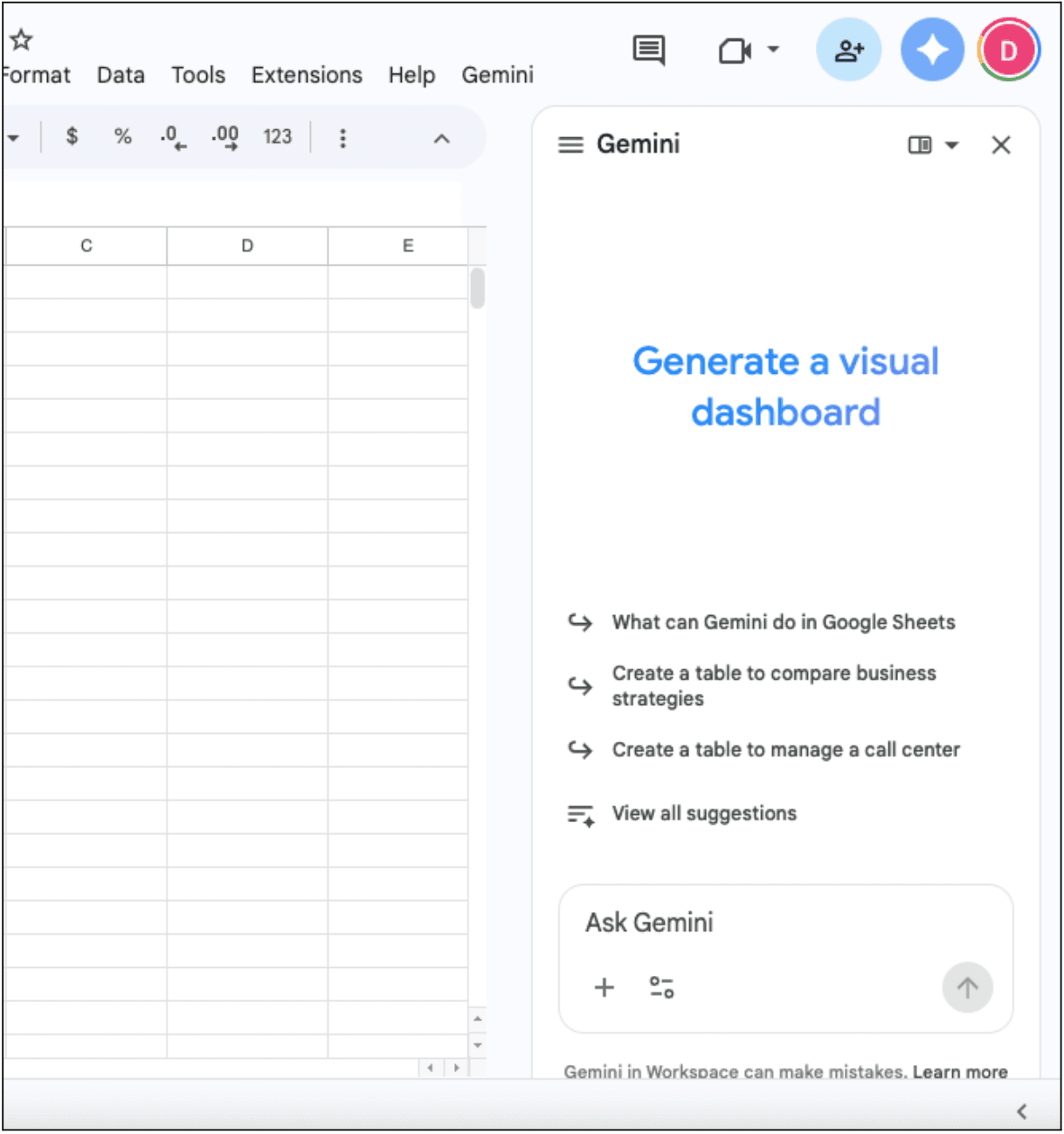
You can click the "Ask Gemini" (star icon) in the top right toolbar or use the "Help me organize" prompt that appears on new, blank sheets.
Want to automate your spreadsheet workflows?
Contact Us to discuss how we can help streamline your data operations.
Book Free Call2. "Help Me Organize" Option
One of the most powerful entry points for AI in Sheets is the Help me organize feature. This is designed to eliminate "blank sheet syndrome."
Instead of manually defining headers and formatting cells, you can provide a descriptive prompt. For example, I asked:
"Create a project tracker for a 12-week software development lifecycle, including columns for task name, owner, status, priority, start date, and estimated hours, with sample data for a mobile app launch."
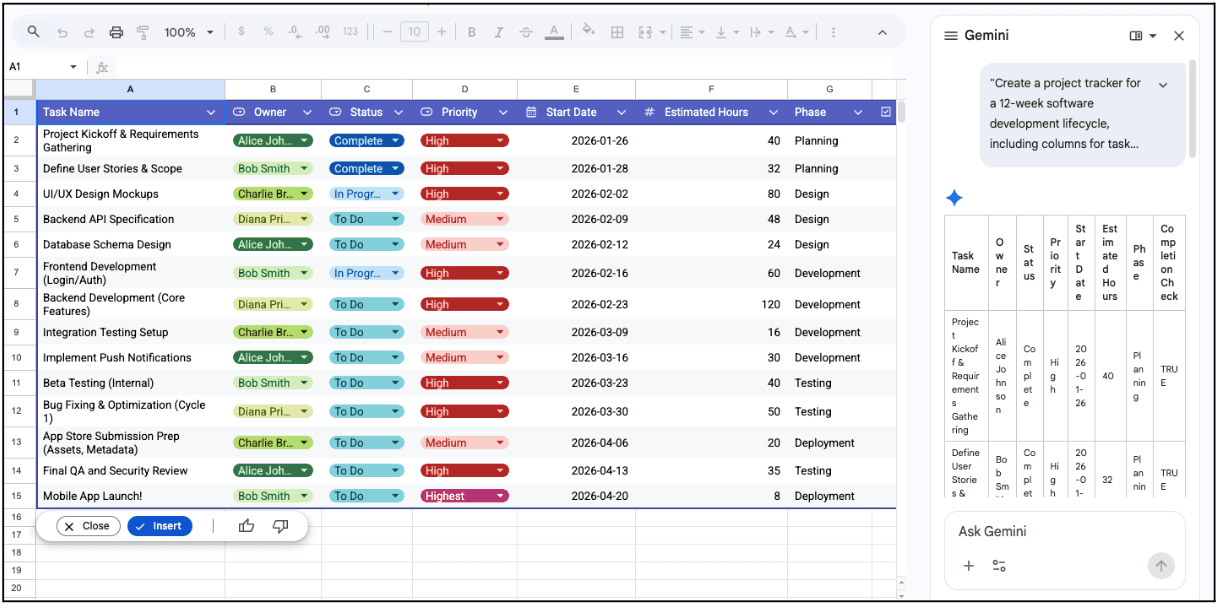
The AI doesn't just create a template; it understands the logical relationship between the columns. It will populate the "Status" column with dropdown menus and apply conditional formatting to "Priority" levels, saving approximately 30 to 45 minutes of manual setup.
3. Advanced Data Cleaning & Transformation
Traditionally, cleaning data meant hours of TRIM, PROPER, and complex Regular Expressions (RegEx). AI has simplified this through Enhanced Smart Fill and Text Transformation.
Pattern Recognition
If you have a column of messy addresses and you manually extract the Zip Code for the first two rows, Gemini identifies the intent and offers to fill the remainder of the column.
Unlike the old Smart Fill, it can handle nuances, such as distinguishing between a suite number and a street number, with high accuracy.
Sentiment & Categorization
AI excels at qualitative data. If a spreadsheet contains 5,000 rows of customer feedback, you can use AI to:
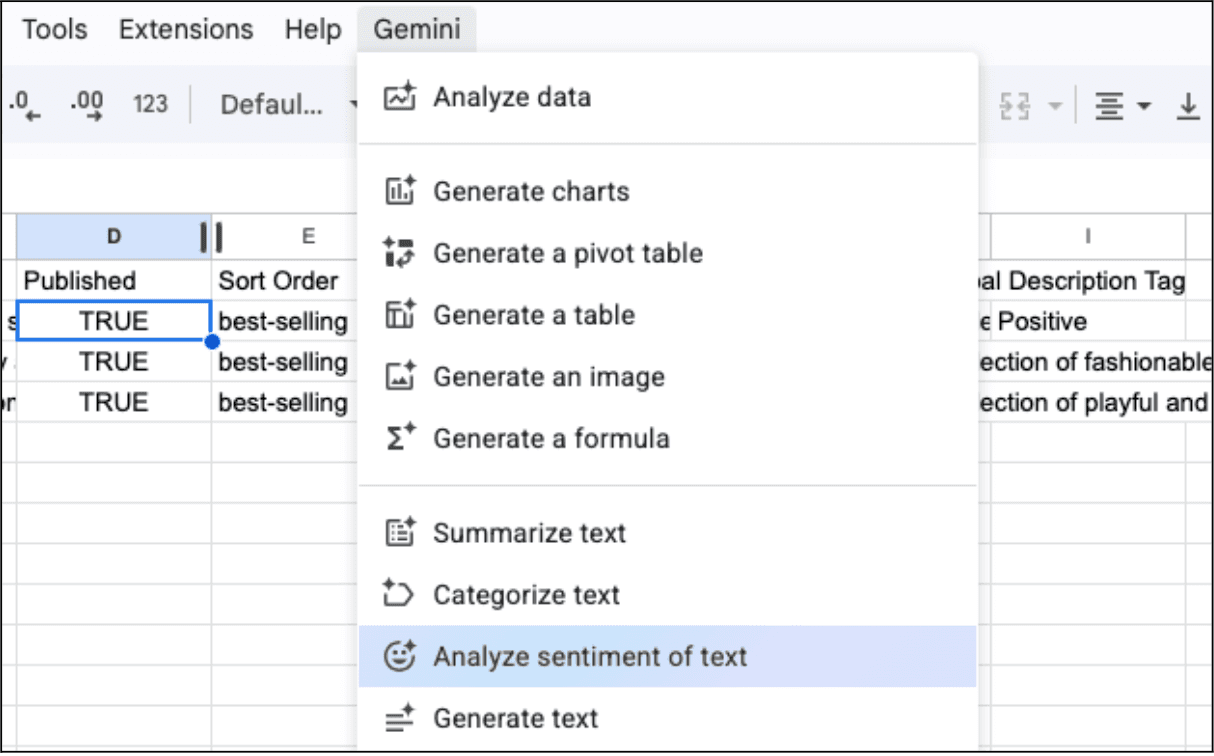
- Standardize Categories: Group varied feedback like "too expensive," "pricey," and "costly" under a single "Pricing" tag.
- Sentiment Analysis: Assign a numerical value or label (Positive/Neutral/Negative) to text strings, enabling quantitative analysis of qualitative data.
4. Conversational Data Analysis
The "Ask Gemini" side panel is useful for users who need to derive insights from massive datasets without building complex Pivot Tables.
You can ask natural language questions about your active sheet:
- "Which region had the highest ROI in Q3, and what was the primary driver?"
- "Identify any statistical anomalies in the sales data from the last 30 days."
- "Summarize the key trends from the 'Market Research' tab."
The AI scans the data, performs the necessary calculations in the background, and returns a summary. This reduces the risk of human error in formula construction and allows for rapid-fire hypothesis testing.
5. Use AI-powered Google Sheets Add-ons
While Google's native tools are robust, you can also use powerful third-party extensions for specialized workflows.
For example, GPT for Sheets provides access to various models (GPT-4o, Claude 3.5) for users who require specific linguistic styles or larger context windows.
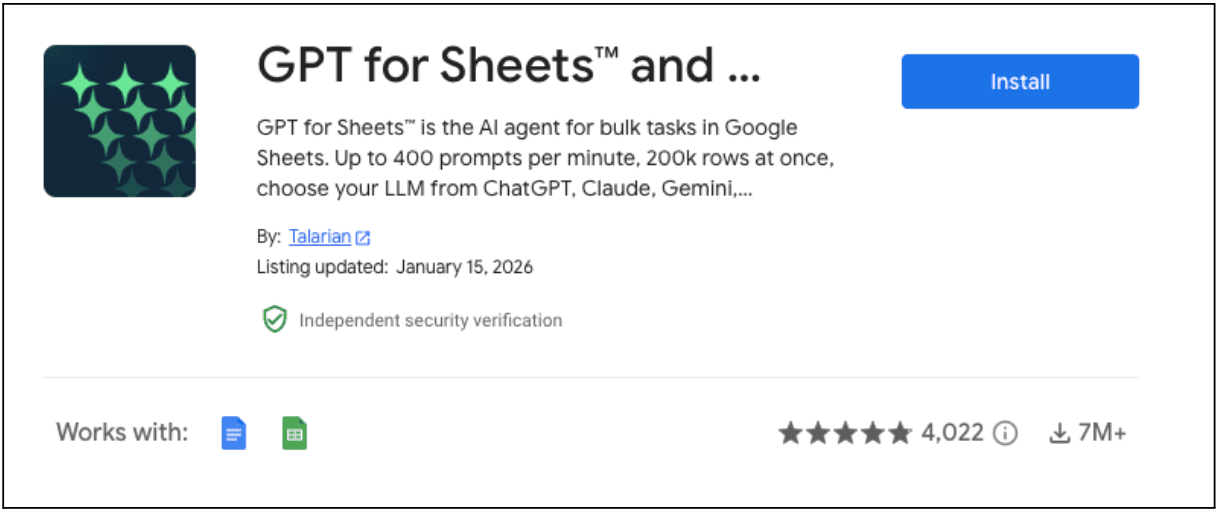
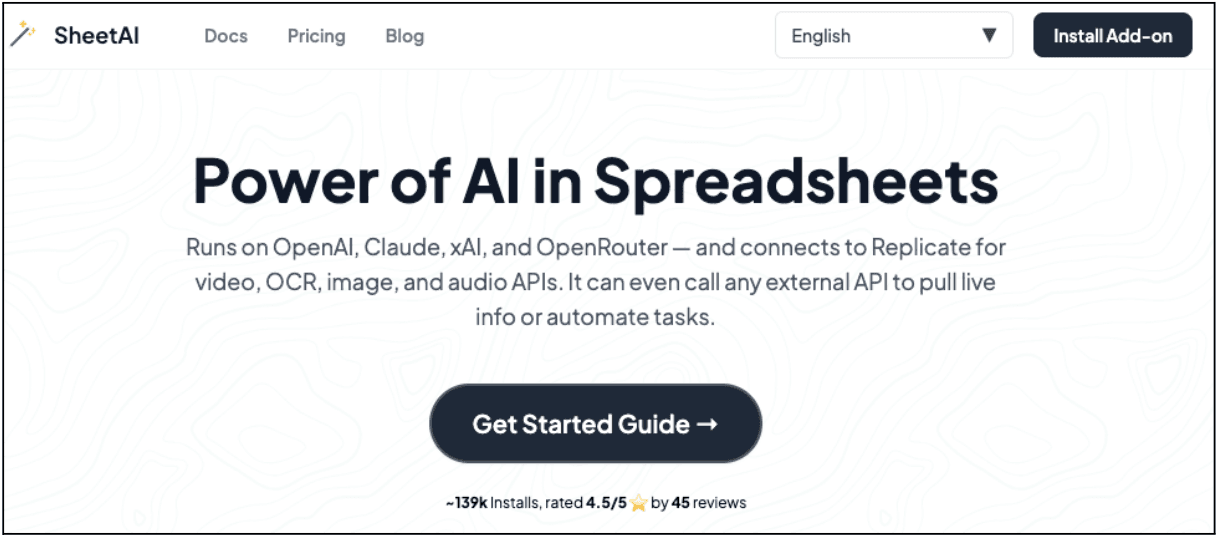
Similarly, there is an extension named SheetAI.app that allows for "Brain" functionality, where the AI is trained on your specific company documentation, ensuring that the answers it provides in the spreadsheet are aligned with internal policies and data.
Bonus: Prompt Engineering Ideas for Spreadsheets
The quality of the output is directly correlated to the specificity of the input. When using AI in Sheets, follow the CRAVE framework:
- Context: What is the data about?
- Role: Should the AI act as an analyst, a copywriter, or a coder?
- Action: What specifically should it do (calculate, summarize, format)?
- Values: What constraints should it follow (word count, currency format)?
- Examples: Provide 1-2 examples of the desired output for better accuracy.
Final Considerations: Should You Use AI in Google Sheets?
AI in Google Sheets offers speed and insight, but it needs oversight.
AI models can miscalculate or invent details in complex cases, so verification matters.
For businesses, data security remains strong. In Google Workspace Business and Enterprise tiers, data stays within the organization and does not train public models, all under ISO and SOC standards.
When used well, AI delivers a clear advantage. It brings advanced analysis to businesses of any size and reduces time spent on data cleanup. This shift lets professionals focus on decisions, using AI as a force multiplier rather than a replacement.
Ready to supercharge your spreadsheet workflows?
Contact Us to learn how we can help you implement AI-powered automation for your business.
Book Free Call
About Divyesh Savaliya
Divyesh leads Flowlyn with 12+ years of experience designing AI-driven automation systems for global teams.
In This Article