Back to Blog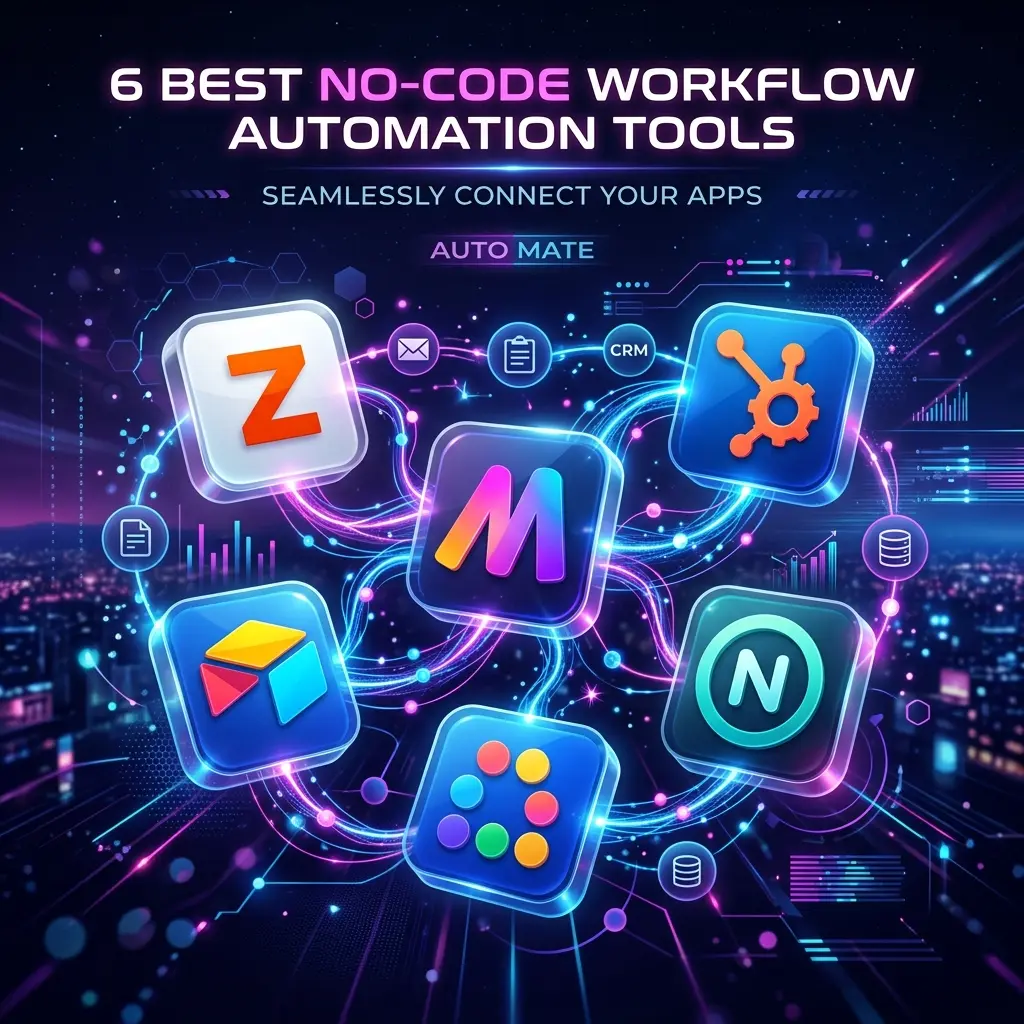
Automation
6 Best No-code Workflow Automation Tools - 2026
Explore the best no-code workflow automation tools, with a detailed review of features, use cases, & how they help streamline operations without coding.
April 29, 2026
7 min read

The digital world today is simple: automate or fall behind. Earlier, only developers could connect tools and build workflows. Now, no-code automation tools have made it easy for anyone, marketers, founders, or operations teams, to build systems without coding.
These tools act like the backbone of a business, moving data between CRM, email, and project management tools automatically, without manual effort.
Let’s first clear out the basics.
What are No-code Automation Tools?
No-code automation tools let you create simple workflows without coding. Instead of writing code, you use a visual drag-and-drop setup to connect different apps.
For example, when a new lead comes from a Facebook ad (trigger), the tool can find their LinkedIn profile (action) and send a message to Slack (result).
These tools can now do more advanced tasks too, like handling conditions, repeating steps, and even using AI to make decisions during the process.
Better Option: Workflow Automation Service Providers like Flowlyn
No-code tools are easy to use, but they still need effort to manage. As a business grows, workflows can become unstable. A small change, like an API update or password issue, can break an automation and cause data loss or missed opportunities.
That’s where Flowlyn helps.
Instead of spending time fixing broken automations in tools like Zapier, Flowlyn works as your automation partner. We don’t just give you tools, we help design and manage your workflows so they are reliable, scalable, and easy to maintain.
- Architected for Scale: We build systems that won't break when your volume triples.
- Security-First: We ensure your data transfers comply with global privacy standards like GDPR.
- Monitored 24/7: If an automation fails, our team is notified and fixes it before you even realize there was a glitch.
For many businesses, doing automation yourself can actually cost more in the long run. The time spent learning and fixing tools is often higher than hiring a professional service like Flowlyn.
With experts, you get a reliable and efficient system built for you, instead of spending hours figuring it out yourself.
6 Best No-code Workflow Automation Tools
1. n8n
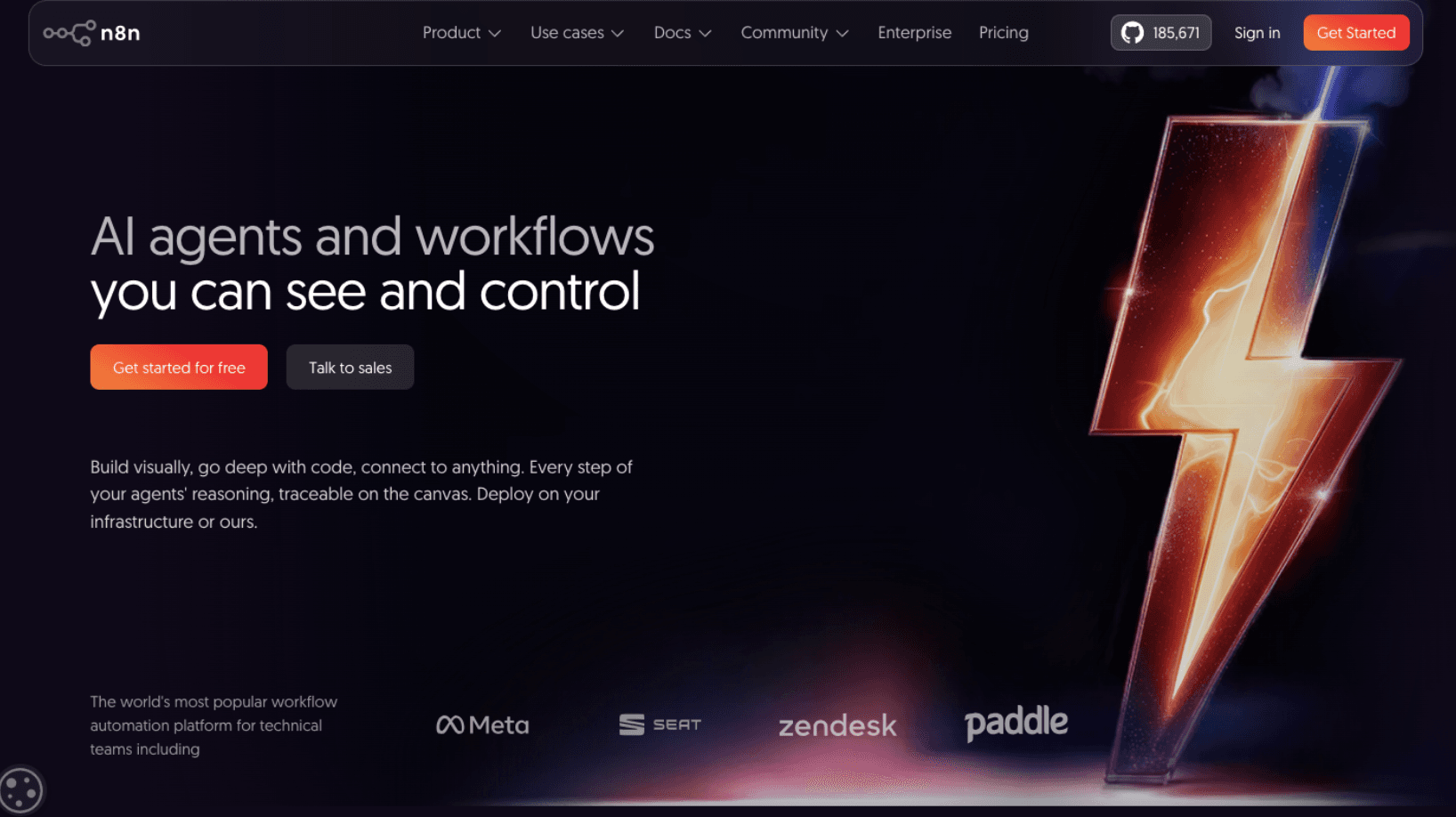
n8n is a popular tool for building automations. It offers a good balance between ease of use and advanced features.
- The Workflow: It uses a node-based visual interface that is incredibly intuitive for mapping out complex logic.
- Best For: Users who need complex branching (if this, then that, else something else) and businesses that want to avoid the high per-task costs of competitors.
- Key Advantage: Because it can be self-hosted, it’s a favorite for industries with high data-privacy requirements (like Real Estate or Finance).
2. Zapier
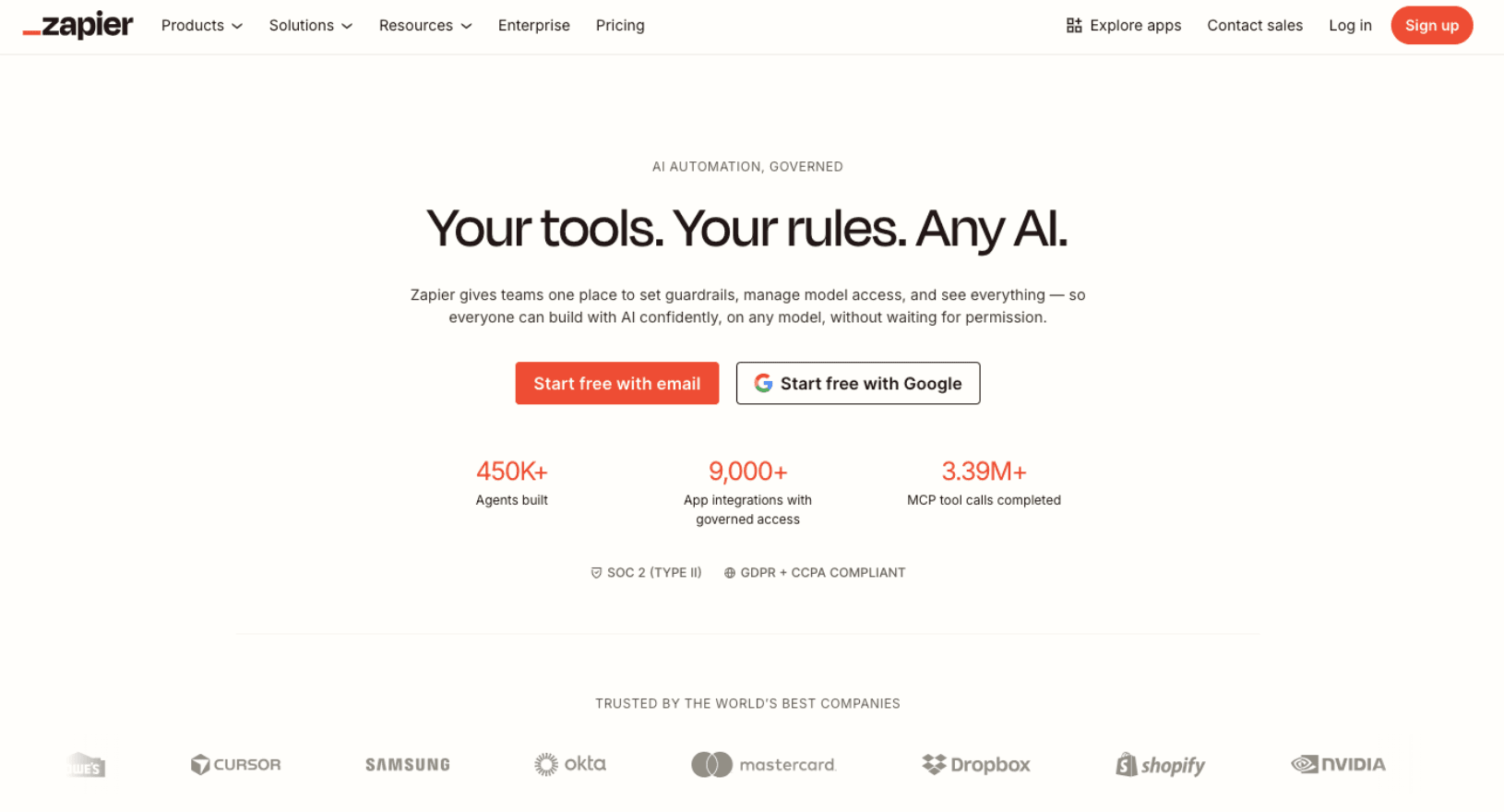
The pioneer of the industry, Zapier, remains the most recognizable name. It supports the largest library of integrations (over 6,000+ apps).
- The Workflow: It focuses on linear sequences of events. While they have introduced Paths for logic, it remains primarily a linear tool.
- Best For: Small teams who need to connect popular apps (like Gmail to Trello) in under five minutes.
- Key Advantage: If an app has an API, Zapier almost certainly supports it. It is the "easy button" for automation.
3. Make (formerly Integromat)
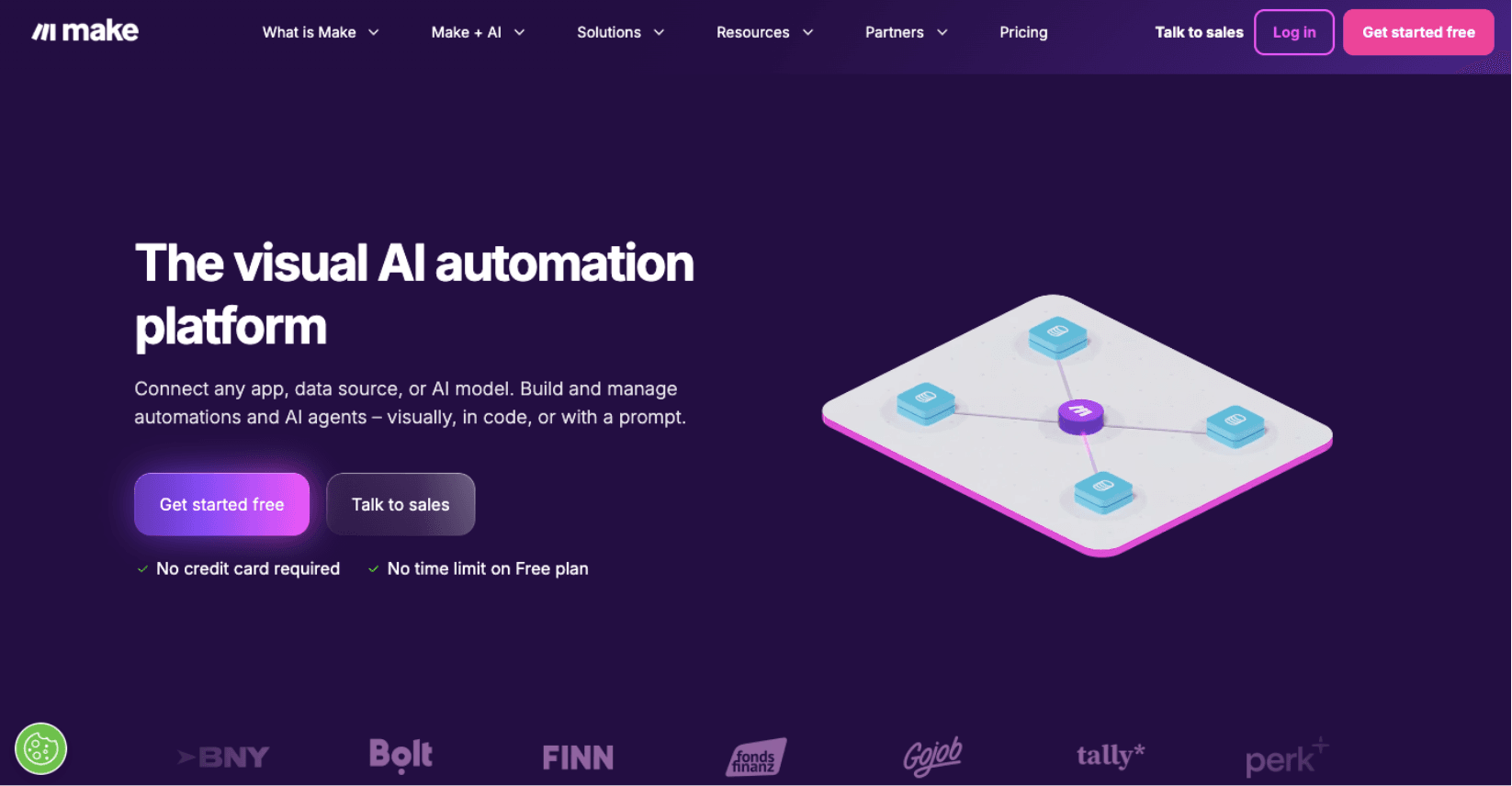
Make is known for its beautiful, bubble-based visual canvas. It is more advanced than Zapier and allows for much more granular control over how data is transformed as it moves between apps.
- The Workflow: You can see your data moving through bubbles in real-time. It’s excellent for visual thinkers.
- Best For: Power users who need to perform complex data manipulation, such as reformatting dates or performing math between steps.
- Key Advantage: It is generally more affordable than Zapier for high-volume users, though the learning curve is steeper.
4. Activepieces
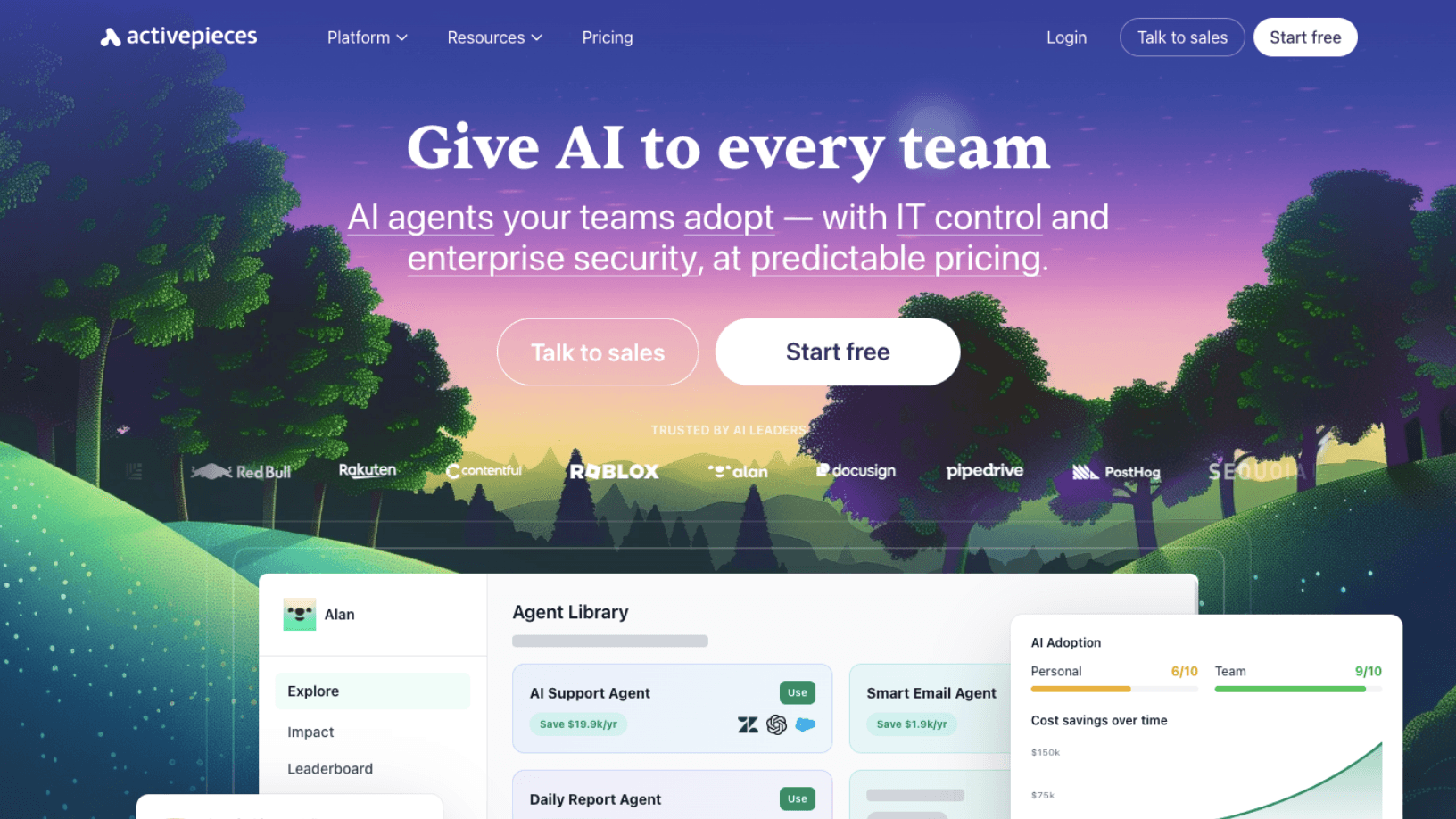
Activepieces is the new kid on the block that has gained massive traction in 2026. It is open-source and specifically designed to be the No-code for AI.
- The Workflow: It feels like a modern, faster version of Zapier with a heavy focus on AI pieces (integrations).
- Best For: Businesses that are heavily integrating ChatGPT, Claude, or MidJourney into their daily workflows.
- Key Advantage: It is incredibly lightweight and easy to deploy on your own servers, making it a favorite for tech-savvy startups.
5. Pipedream
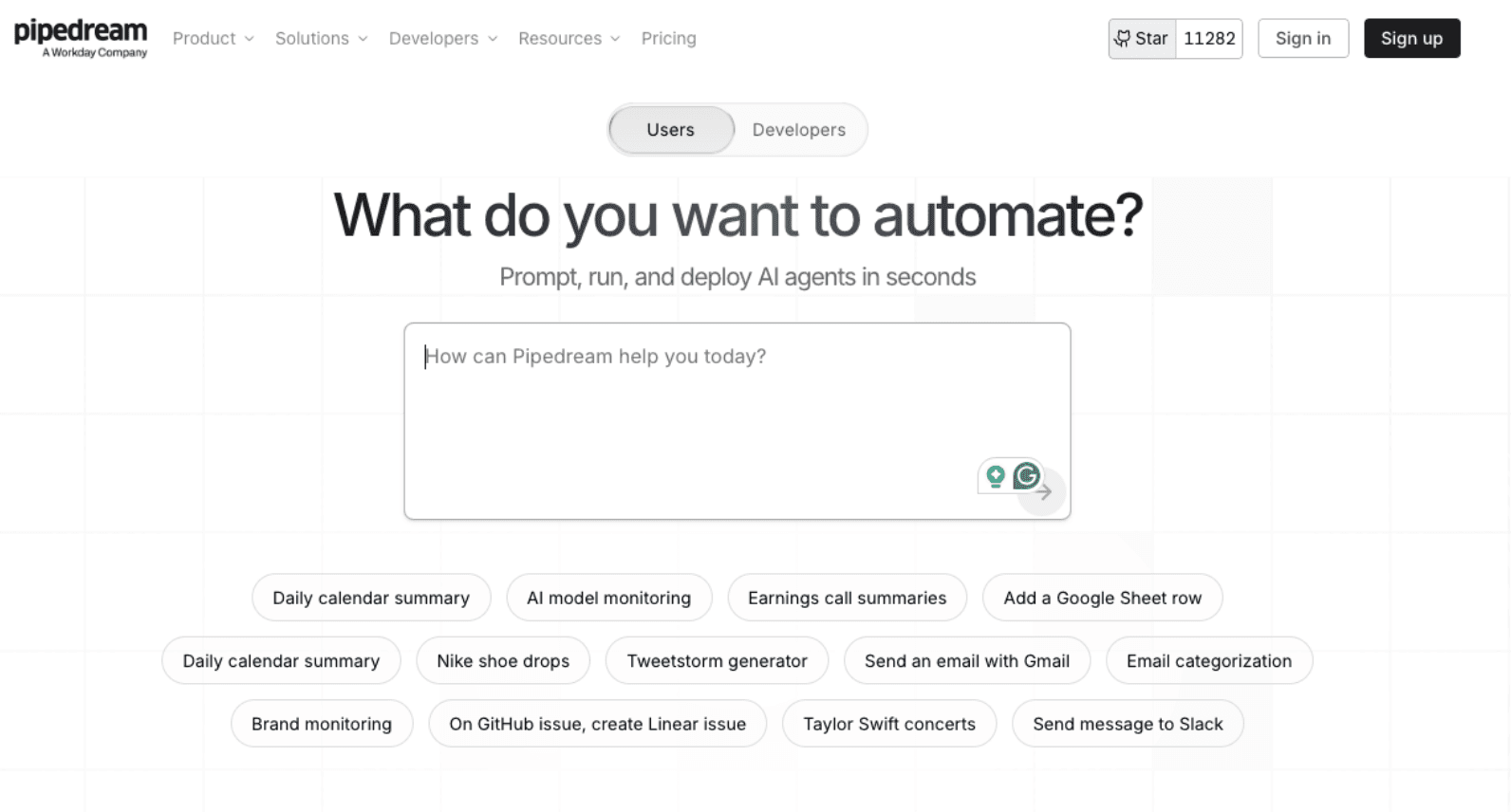
Pipedream is the low-code favorite. While it has no-code components, its real power lies in the ability to drop in a small snippet of code (Node.js or Python) whenever the no-code options fall short.
- The Workflow: It is built for speed and reliability, catering to developers who don't want to build a whole server but want more control than a drag-and-drop tool.
- Best For: Operations teams that have a technical person on staff who can write basic scripts.
- Key Advantage: It offers incredible flexibility for connecting to niche APIs that don't have official integrations elsewhere.
6. Microsoft Power Automate
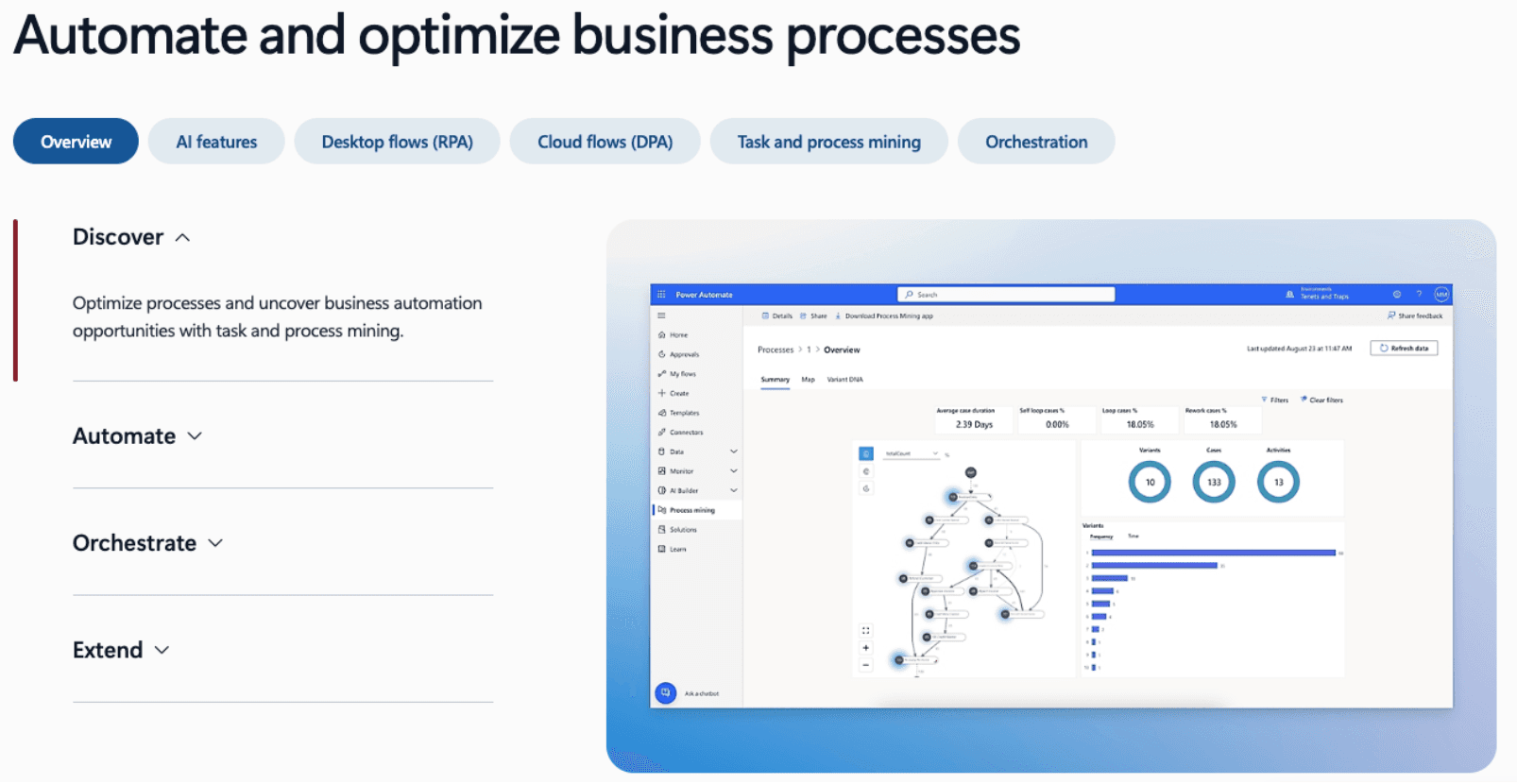
For businesses already deep in the Microsoft 365 ecosystem, Power Automate is the logical choice.
- The Workflow: It integrates natively with Excel, SharePoint, Teams, and Azure.
- Best For: Large enterprises and corporate environments that need strict IT governance and Desktop Automation (RPA).
- Key Advantage: It can automate legacy Windows software that doesn't have an API, literally clicking buttons like a human would.
How to Choose the Right Tool for Your Business?
Choosing a tool isn't about finding the best one; it’s about finding the one that fits your Volume, Budget, and Technical Comfort.
- Assess Your Volume: If you process 50,000 tasks a month, Zapier will become prohibitively expensive. n8n or Make would be better financial choices.
- Evaluate Your Tech Stack: If you use niche, industry-specific software, check which tool has a Custom API or HTTP Request feature to ensure you can actually connect it.
- Check for AI Capabilities: In 2026, you shouldn't just be moving data; you should be processing it. Choose a tool that makes it easy to send data to an AI model for summarization or analysis.
- Consider Security: If you handle sensitive client data (PAN cards, Passports, Financials), look for self-hosted options (n8n/Activepieces) so the data stays on your servers.
Do You Really Need an Automation Tool or a Service?
This is the ultimate question for any growing business.
- You need a TOOL if: You are a solopreneur with simple needs (e.g., "Save email attachments to Dropbox") and have the time to troubleshoot when things go wrong.
- You need a SERVICE (Flowlyn) if: Your business relies on these automations to survive. If your lead flow stops or your invoices don't go out, you lose money.
At Flowlyn, we see automation as a strategic asset. We don't just connect A to B; we look at your business as a whole to see how we can use tools like n8n or Make to eliminate 40+ hours of manual work every week.
Stop fighting with software and start scaling your business. Contact Flowlyn today for a custom workflow audit and let us build the automation of your dreams.

About Divyesh Savaliya
Divyesh leads Flowlyn with 12+ years of experience designing AI-driven automation systems for global teams.
In This Article