Back to Blog
Automation
What is Make Automation? Guide to No-Code Workflows
Master Make automation with our complete guide. Learn how to connect apps, build complex workflows without code, and scale your business efficiency today.
December 29, 2025
8 min read

In the modern business era, "work smarter, not harder" isn't just a cliché—it’s a competitive necessity. As we juggle dozens of different software tools for CRM, marketing, and project management, the manual effort required to move data between them can become a massive bottleneck.
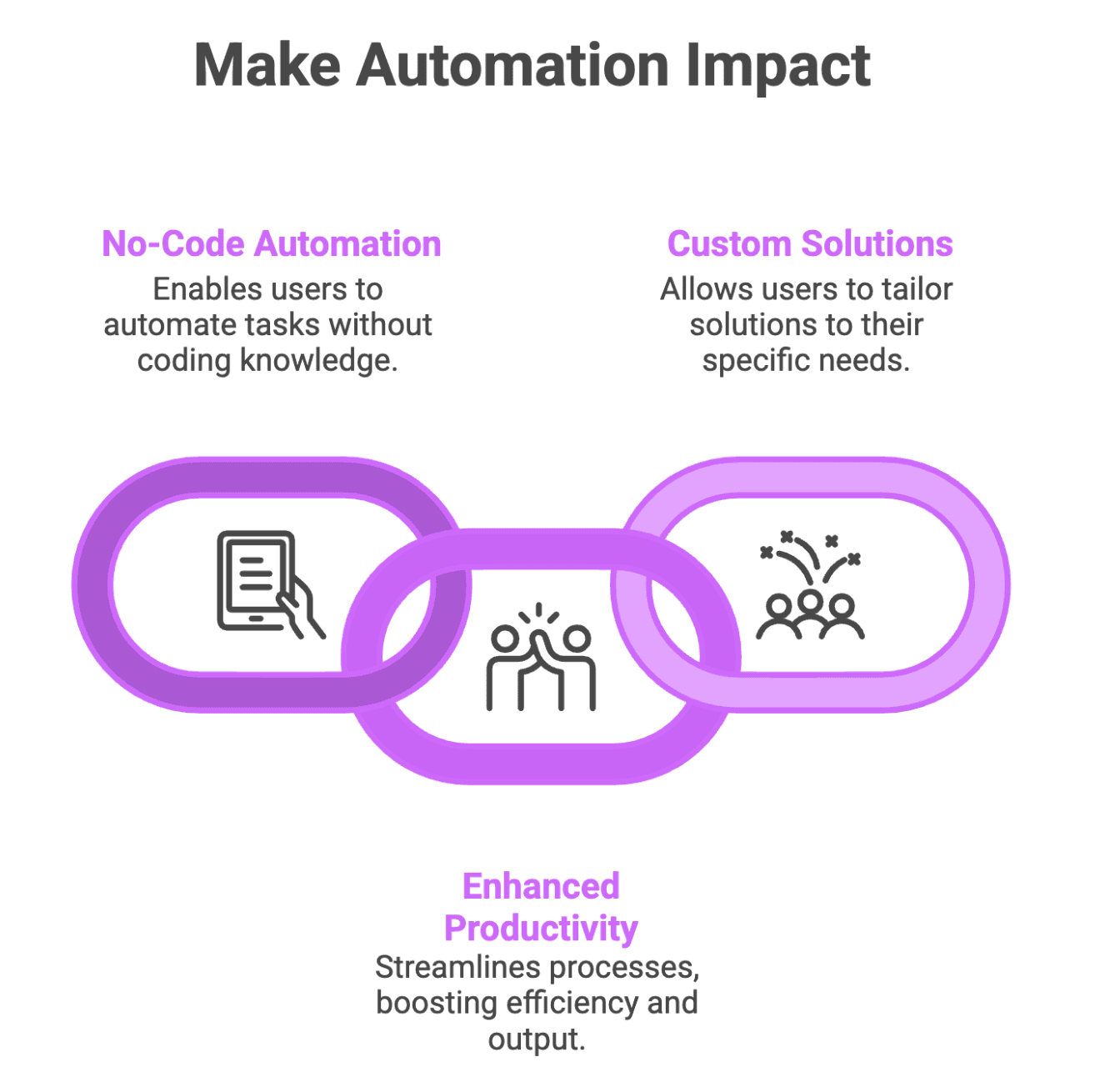
This is where Make (formerly known as Integromat) comes in. It is one of the most powerful and flexible automation platforms available today, allowing users to connect apps and automate workflows without writing a single line of code.
Understanding Make: The "Glue" of the Internet
At its simplest, Make is a visual automation platform. It acts as a bridge between different web applications, allowing them to "talk" to each other. For example, if you receive a new lead from a Facebook ad, Make can automatically send that lead’s info to your CRM, alert your team on Slack, and add the lead to an email marketing list—all in seconds.
Unlike basic automation tools, Make is known for its visual builder. You don't just list tasks; you map them out on a canvas, watching the logic flow from one module to the next.
To master Make, you need to understand the four pillars of its architecture:
- A Scenario is your automated workflow. It’s the entire path that starts with a specific event and ends with an action.
- Every scenario starts with a Trigger. This is the "event" that sets the automation in motion.
- An Action is what Make does once the trigger is activated. This could be creating a row in Google Sheets, sending a WhatsApp message, or generating an invoice.
- Routers and Filters allow to set conditions and split one workflow into multiple paths based on different criteria.
Why Choose Make Over Other Platforms?
While there are several automation tools on the market, Make has become the preferred choice for businesses looking for scale and complexity.
| Feature | Why it Matters |
|---|---|
Visual Mapping | See your entire business logic on a single canvas. |
Complex Logic | Use functions, math, and data manipulation like a programmer. |
Cost Efficiency | Make often offers more "tasks" for a lower price point than Zapier. |
Endless Integrations | Connect to thousands of apps or use the HTTP module for custom APIs. |
How can you actually use Make in your daily operations? Here are a few ways businesses are leveraging Flowlyn's automation services to transform their productivity:
- Lead Management: Automatically qualify leads from web forms and distribute them to the right salesperson based on territory or industry.
- Content Distribution: When you publish a blog, Make can automatically format and post snippets to LinkedIn, Twitter, and Facebook.
- E-commerce Syncing: Keep inventory levels synced across Shopify, Amazon, and your internal database in real-time.
- Automated Reporting: Make can gather data from Google Ads and Facebook Ads, calculate the ROI, and email a PDF report to your stakeholders.
Make isn't just for moving data; it’s for processing it.
In the real world, APIs sometimes fail. Make allows you to build "Error Handling" routes. If a step fails, you can tell the system to wait and try again, or send you an urgent notification instead of just stopping the whole process.
Step-by-Step: Building Your First Automation
If you are ready to stop doing manual data entry, follow this basic framework for building a Make scenario:
To build a successful automation, you must first define your goal by identifying a repetitive manual task that consumes your valuable time, such as migrating Shopify orders into accounting software, to avoid the common workflow automation mistakes of automating broken processes.
Once the objective is clear, you select your trigger app to establish where the process begins and then use a drag-and-drop interface to map your data, precisely directing which information—like a customer’s name—populates specific fields in your destination app.Make provides a visual way to build complex workflows, but is it the right choice for your specific budget? Compare it side-by-side with its biggest competitors in our ultimate automation tool comparison.
Before fully launching, it is essential to test the scenario with dummy data to ensure total accuracy; finally, you can schedule and activate the workflow, allowing it to run autonomously in the background 24/7.
How Flowlyn Helps You Master Make
Building simple automations is easy, but building an entire automated ecosystem requires a strategic approach. At Flowlyn, we help businesses bridge the gap between "having tools" and "having a system."
Our team specializes in:
- Custom API Integrations: Connecting niche software that doesn't have a standard Make app.
- Workflow Audits: Analyzing your current manual processes and identifying the highest-ROI tasks to automate.
- Full-Scale Implementation & Managed Automation:We build, test, monitor, and seamlessly maintain your Make scenarios so you can focus entirely on business growth.
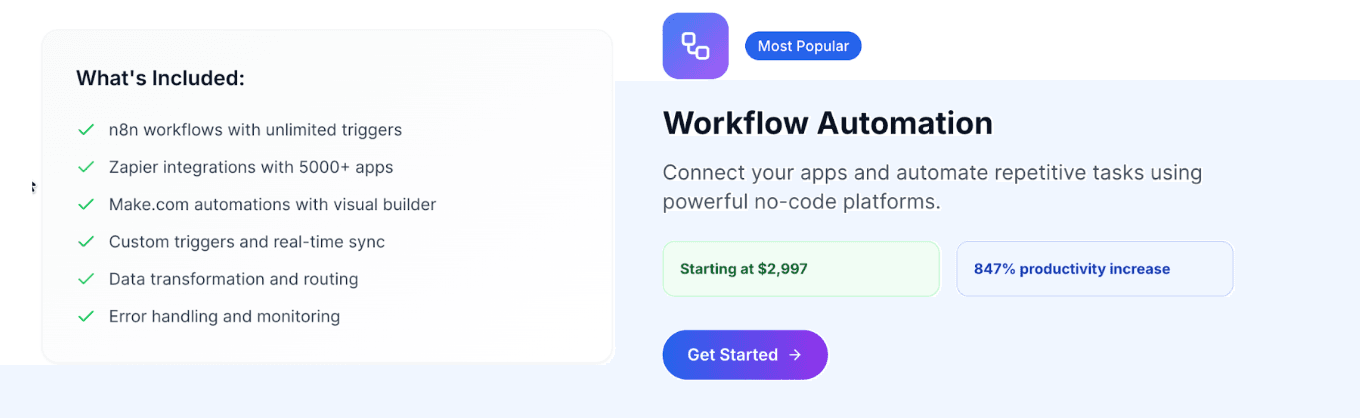
Check out our full range of AI Automation services to see how we can build your "digital workforce."
Conclusion: Start Small, Think Big
The beauty of Make automation is that you don't need to automate your entire business in a day. Start with one repetitive task—the one that annoys you the most. Once you see the "magic" of data moving itself, you’ll realize that the possibilities are truly infinite.
In a world where time is your most valuable asset, Make is the ultimate tool for reclaiming it.

About Divyesh Savaliya
Divyesh leads Flowlyn with 12+ years of experience designing AI-driven automation systems for global teams.
In This Article