Back to Blog
Tools & Platforms
7 Places to Find N8n Workflow Templates in 2026
Looking for n8n workflow templates? Here are 7 reliable places to find free & paid n8n templates: from the official library to GitHub & community forums.
February 25, 2026
10 min read

Building every n8n workflow from scratch wastes time you do not have.
Templates give you a working foundation — pre-built logic, connected nodes, and tested data flows — that you can import, adapt, and go live with in minutes instead of hours. The problem is knowing where to look.
Here are the 7 most reliable places to find n8n workflow templates in 2026, ranked from most to least official.
Before That, Do You Really Need an n8n Template?
Templates are great for simple, generic workflows.
But most growing businesses don’t need a template — they need proper automation architecture.
Templates often:
- Solve broad use cases that don’t match your exact process
- Require heavy modification to fit your tech stack
- Lack proper error handling, logging, and scalability
- Break as workflows grow more complex
- Don’t support advanced AI or multi-step logic properly
At that point, adapting a template takes more time than building correctly from scratch.
At Flowlyn, we design structured, scalable n8n automation systems tailored to your operations. Instead of patching workflows together from disconnected templates, we architect clean automation logic, build custom integrations that match your exact tech stack, implement AI-powered workflows where needed, and ensure reliability through proper monitoring and scalability planning.
The result isn’t just a workflow that works today — it’s an automation system built to scale with your business. Learn more about our n8n automation services.
Need a Custom n8n Solution?
Book a strategic consultation with Flowlyn to build custom n8n workflows for your business.
Book Free Call1. N8n Template Library
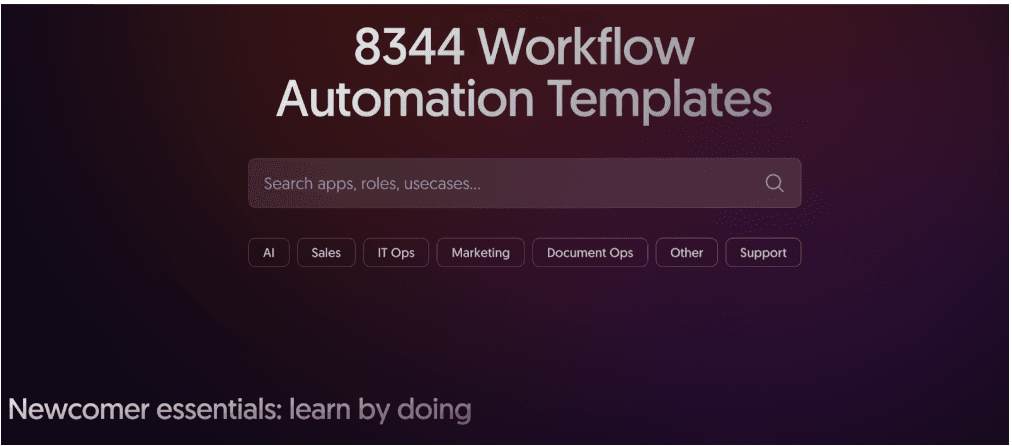
The first place to check is always n8n's official template library, which has over 8,300 community-contributed and staff-verified templates covering everything from CRM syncing and lead routing to AI agent pipelines and data transformation workflows.
Every template includes a visual preview of the workflow canvas, a description of what it does, the apps and nodes it requires, and a one-click import button that loads the workflow directly into your n8n instance. Filter by category, app, or use case to narrow results fast. This library is updated continuously and is the single most comprehensive source available.
2. N8n Community Forum (community.n8n.io)
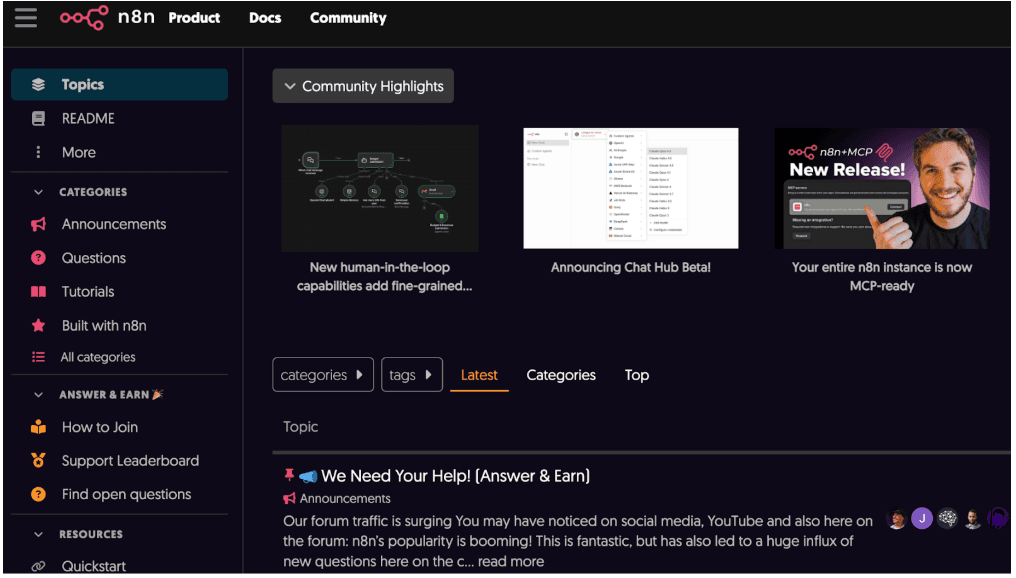
The n8n community forum is where practitioners share the workflows they actually built for their own businesses — which means you will find templates here that the official library does not have. Search for your specific use case (e.g., "HubSpot to Notion sync" or "OpenAI email triage") and you will often find a thread where someone has already solved the exact problem and shared their workflow JSON.
The forum is also the best place to ask for help adapting a template to your setup. The community is active, technical, and generally fast to respond. If you are just getting started with the platform, the n8n workflow automation fundamentals guidewill help you speak the same language as the community before you dive in.
3. GitHub Repositories
GitHub hosts dozens of public repositories dedicated to n8n workflow collections. Search n8n workflows or n8n templates on GitHub and you will find curated repos maintained by individual developers and agencies — many with 50 to 200+ workflows covering AI pipelines, e-commerce automations, marketing sequences, and more.
The advantage over the official library is version control. You can fork a repo, track changes over time, and contribute your own improvements back. Workflows are stored as JSON files, making them easy to import directly into any n8n instance. The downside is quality variance — always review the workflow logic before running it in production, and check when the repo was last updated.
4. YouTube Tutorials With Downloadable Workflows
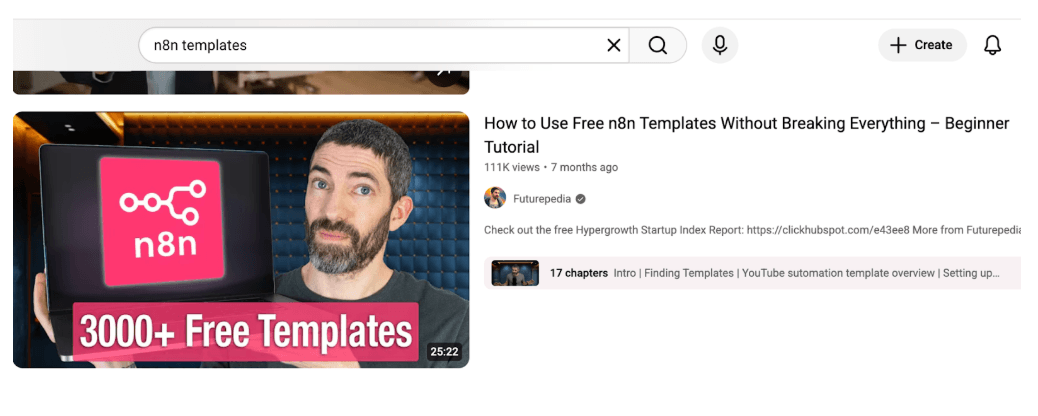
A growing number of n8n creators on YouTube publish full workflow build tutorials and include a downloadable JSON file or a link to the template in the video description. Channels dedicated to no-code automation and n8n specifically are the best sources here.
The format works well because you watch the workflow being built node by node before importing it — so you understand what each part does and can modify it confidently. Search "n8n workflow tutorial [your use case]" on YouTube and look for videos that explicitly mention a downloadable template. This approach pairs naturally with understanding how to build a custom automated workflow so you are not blindly copy-pasting logic you cannot maintain.
5. No-Code and Automation Marketplaces
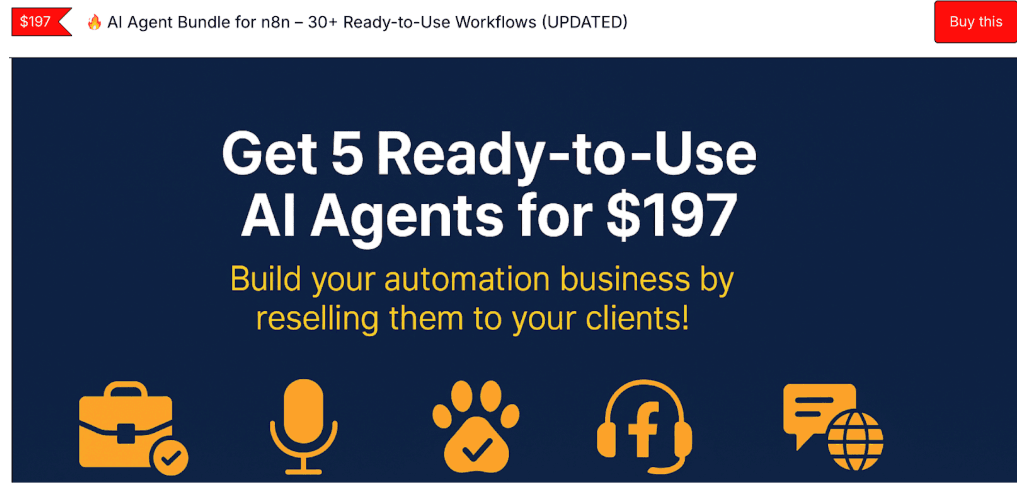
Platforms like Gumroad, Lemon Squeezy, and niche no-code marketplaces host paid n8n workflow templates built by professional automation developers Prices typically range from $9 to $99 per template depending on complexity.
Paid templates tend to be significantly more polished than free community ones — they include full documentation, error handling logic, setup guides, and often a support channel where you can ask the creator questions. For complex use cases like AI agent pipelines, multi-step CRM automations, or e-commerce order processing, a $29 template that works cleanly out of the box is almost always worth more than a free one that takes days to debug. If you want to see what a fully built, production-grade n8n automation looks like before buying, Flowlyn's e-commerce order automation case study is a useful benchmark.
6. Reddit — r/n8n and r/nocode
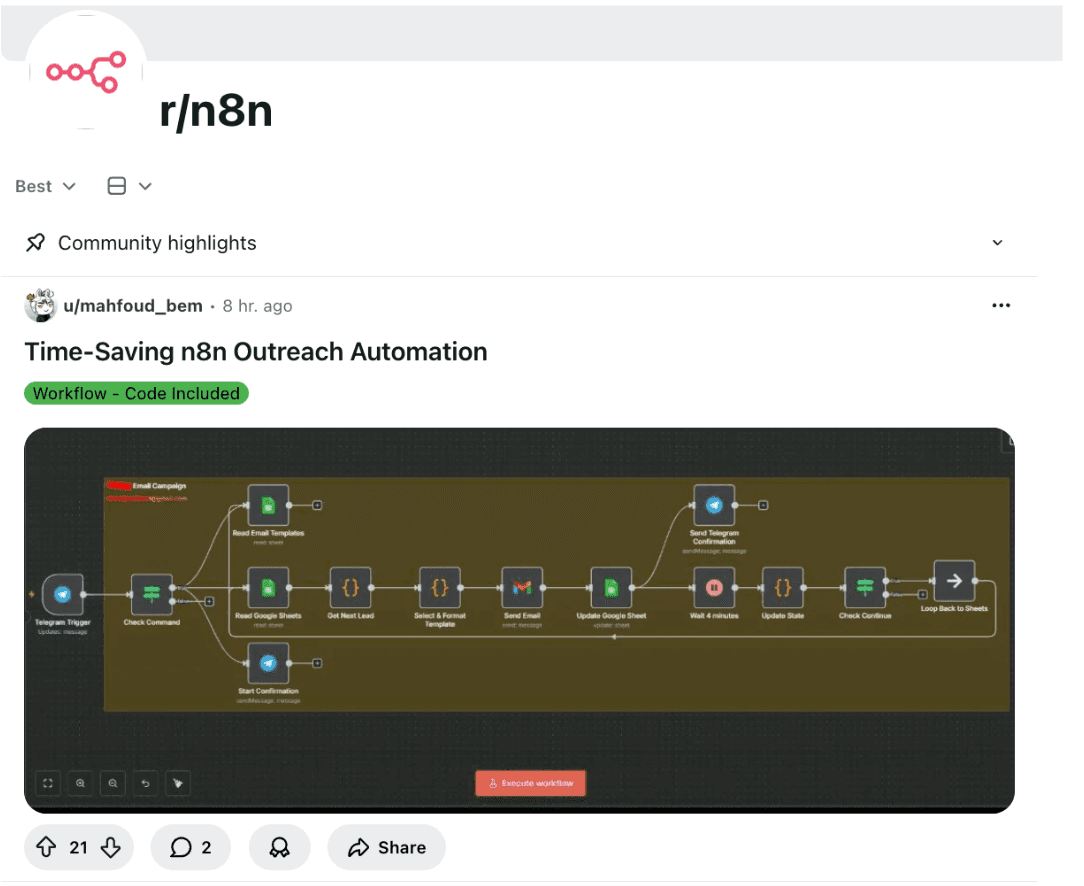
The r/n8n subreddit and r/nocode are active communities where users regularly post their workflow builds, share JSON exports, and ask for feedback. It is less structured than the official forum but often more candid — you will find workflows shared with honest commentary about what works, what breaks, and what edge cases to watch for.
Use Reddit search with terms like "n8n template share" or "n8n workflow JSON" to surface posts with downloadable workflows. This is also a good place to validate whether a specific integration is reliable before building around it — the community is quick to flag platforms with unstable APIs or rate-limiting issues.
7. Automation Agency Blogs and Resource Pages
Automation agencies that work with n8n day-to-day often publish workflow templates, starter kits, and resource guides on their blogs — either as free lead magnets or as supporting content for their services. These tend to be built around real client problems, which means they are designed for actual business contexts rather than generic demos.
When evaluating agency-published templates, look for ones that include documentation, explain the intended use case clearly, and come from agencies with a track record of n8n deployments. The closer the template's use case is to your own industry, the faster you will be able to adapt and deploy it. For a comparison of how different automation tools stack up before committing to n8n entirely, the Make vs. Zapier vs. n8n breakdown covers the key trade-offs. If you are also weighing hosting options, the best servers to host n8n in 2026 guide is a natural next read.
Quick Comparison: Which Source Is Right for You?
| Source | Cost | Best For | Skill Level |
|---|---|---|---|
Official n8n Library | Free | General use cases, quick start | Beginner–Advanced |
n8n Community Forum | Free | Niche & complex workflows | Intermediate–Advanced |
GitHub Repositories | Free | Developers, version control | Advanced |
YouTube Tutorials | Free | Learning while building | Beginner–Intermediate |
No-Code Marketplaces | Paid ($9–$99) | Production-grade, documented workflows | All levels |
Reddit (r/n8n) | Free | Real-world tested, candid advice | Intermediate |
Agency Blogs | Free / Gated | Industry-specific use cases | All levels |
The Official Library and YouTube are your best friends when starting out. As you move into more complex territory, the Community Forum and Reddit become invaluable. These spaces are where real-world users discuss edge cases—like how to handle a specific API's weird rate limits or how to structure a long-running "Wait" node. If you find a workflow here, it’s likely been "battle-tested" by someone facing the exact same problem as you.
For professional or enterprise-grade needs, Marketplaces and GitHub offer a different level of sophistication. Marketplaces often provide "bundles" (sometimes with over 10,000 JSON templates) that include documentation and support, making them a "no-brainer" for agencies. GitHub, meanwhile, is the go-to for technical teams who need to see the underlying code or want to implement advanced version control for their automation stack.
Get a Custom n8n Workflow Built for Your Business
Templates are great for starting out, but if your logic requires advanced engineering and API knowledge, it might be time to check out the top n8n automation agencies for professional help.
You do not need to build every workflow from scratch. The official n8n template library is always the first stop, but the community forum, GitHub, and agency resource pages fill the gaps for more specific use cases. Start with a template, understand the logic, then adapt it to your exact requirements.
If you need workflows built specifically for your business — not adapted from a generic template but engineered around your stack, your data, and your growth targets — book a free strategy call with Flowlyn. Flowlyn's n8n specialists design, deploy, and manage custom workflows that scale with you from day one.
Ready to Scale Your Automation?
Contact Flowlyn today to discuss how we can build custom n8n workflows for your business.
Book Free Call
About Divyesh Savaliya
Divyesh leads Flowlyn with 12+ years of experience designing AI-driven automation systems for global teams.
In This Article